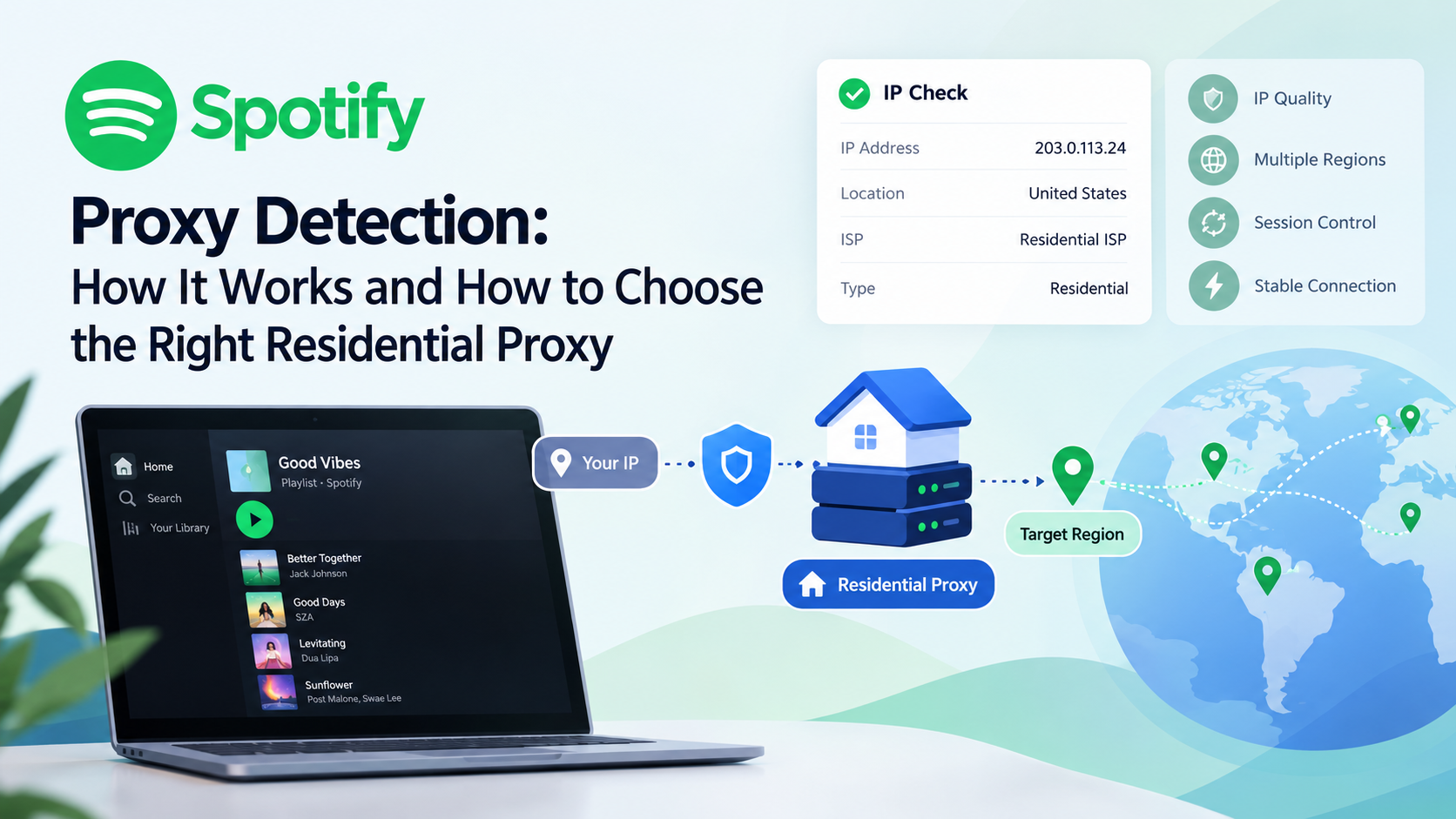
Spotify Proxy Detection: How It Works and How to Choose the Right Residential Proxy
Spotify may evaluate IP reputation, network ownership, geographic consistency, and connection behavior when assessing proxy connections. Residential proxies can offer consumer ISP-associated IPs, but they are not automatically undetectable or guaranteed to work. Choosing a reliable provider, selecting the right location, using suitable session settings, and testing the connection can help create a more consistent network environment.

Spotify is one of the world's most widely used music and audio streaming platforms. Its services rely on a combination of account information, network conditions, geographic availability, and security systems to deliver a consistent user experience.
When a user connects to Spotify through a proxy, the platform may evaluate the IP address, network ownership, geographic location, and connection behavior. If these signals appear unusual or inconsistent, the connection may experience additional verification, restricted access, or other unexpected issues.
However, using a proxy does not automatically mean a connection will be blocked, and not every connection issue is caused by proxy detection. Understanding the factors involved can help users troubleshoot problems and select a proxy service that better fits their networking requirements.
This guide explains how Spotify proxy detection may work, whether residential proxies can be identified, what commonly causes connection issues, and how to choose a reliable residential proxy service. It also explores how Helodata's residential proxy solutions can support users looking for flexible and consistent network connectivity.
What Is Spotify Proxy Detection?
Spotify proxy detection refers to the methods a platform may use to identify whether a connection is coming through a proxy, VPN, datacenter network, or another intermediary service.
A proxy changes the IP address presented to the destination server, but it does not automatically remove every network-related signal. Platforms may still evaluate information associated with the connection to determine whether it appears consistent with normal usage and security requirements.
Potential signals may include:
- IP address and historical reputation
- Network ownership and ASN
- Approximate geographic location
- Network type, such as residential or datacenter
- Consistency between account activity and connection location
- IP rotation frequency
- Connection patterns and application-related signals
Detection is generally not based on a single factor. Multiple signals may be considered together when a platform evaluates a connection.
A key distinction: Proxy detection does not necessarily mean that every proxy connection will be blocked. Likewise, a residential IP should not be treated as automatically undetectable or guaranteed to work with every platform.
Why Might Spotify Monitor Proxy Connections?
Streaming platforms may evaluate proxy connections for several reasons, including account security, content licensing, regional service management, and the detection of unusual activity.
1. IP Reputation and Network Security
IP addresses have histories. Some may have been associated with abusive traffic, suspicious activity, or excessive usage.
Even when a current user is acting normally, the reputation of an IP address can influence how a connection is evaluated.
This is why proxy quality involves more than IP quantity. A provider's IP sourcing, network management, and reputation monitoring can all affect the practical reliability of a proxy.
2. Geographic and Account Consistency
Spotify's content and service availability may vary by region. As a result, geographic information can be relevant to how a connection is assessed.
If an account repeatedly connects from widely different locations within a short period, the network environment may appear less consistent.
A change in location does not automatically indicate a violation. However, maintaining a predictable connection environment can make network management and troubleshooting easier.
3. Identifying Proxy and Hosting Infrastructure
Some datacenter IPs, VPN endpoints, and public proxy ranges have network characteristics that are relatively easy to classify.
Platforms or third-party IP intelligence services may reference information such as:
- Autonomous System Number (ASN)
- IP registration data
- Network ownership
- Hosting or ISP classification
- Historical abuse reports
Residential proxies use IPs associated with residential internet service providers. This can give them a different network profile from many datacenter proxies, but it does not make them impossible to identify.
Can Spotify Detect Residential Proxies?
Yes, residential proxies can still be detected.
Residential proxies generally use IP addresses associated with consumer ISP networks. In some use cases, this network profile may be more suitable than a datacenter IP.
However, residential classification alone does not determine whether a connection will be accepted. A platform may still consider IP reputation, geographic information, connection behavior, and other available signals.
IP Reputation
A residential IP can still have a poor history or be associated with excessive or suspicious traffic.
When evaluating a residential proxy provider, consider whether it maintains IP quality, monitors network performance, and offers a clear explanation of its network resources.
Geographic Accuracy
The location assigned to an IP may not always be perfectly accurate. IP geolocation databases can vary, and information may change over time.
If a specific country or region is important to your use case, verify the actual exit IP and its reported location before relying on it.
ASN and Network Ownership
ASN information can help identify the organization operating an IP range. It may be one of the signals used to classify a connection's network type.
However, an ASN alone does not determine whether an IP will be restricted. It is only one part of a broader network assessment.
Connection Stability
Frequent IP changes can affect applications that rely on continuous sessions.
Depending on the application, excessive rotation may contribute to:
- Interrupted sessions
- Repeated authentication
- Unexpected location changes
- Inconsistent connection behavior
- More difficult troubleshooting
A stable connection does not guarantee uninterrupted access, but it can reduce unnecessary network variables.
Residential vs. Datacenter Proxies: What Is the Difference?
Residential and datacenter proxies serve different networking needs. The right choice depends on the application, location requirements, performance expectations, and platform policies.
Factor | Residential Proxy | Datacenter Proxy |
|---|---|---|
IP source | Associated with residential ISP networks | Hosted in datacenter infrastructure |
Network profile | More closely associated with consumer networks | Often identifiable as hosting infrastructure |
Geographic availability | Depends on residential IP resources | Often easier to deploy at scale |
Speed | Depends on network conditions and provider | Often offers high and consistent speeds |
IP reputation | Depends on IP history and provider management | Depends on IP range and provider reputation |
Session options | May support sticky or rotating sessions | Often supports dedicated or predictable connections |
Main consideration | Residential network attributes and location | Speed, scale, and infrastructure control |
Residential proxies may be worth considering when a use case requires residential network characteristics or specific geographic coverage. Datacenter proxies may be more suitable for workflows that prioritize speed, scale, or infrastructure control.
Neither type should be considered universally undetectable or guaranteed to work with Spotify.
Common Signs of Proxy-Related Spotify Connection Issues
Not every Spotify connection problem is caused by proxy detection. Application errors, account issues, DNS configuration, network latency, regional settings, and service interruptions can produce similar symptoms.
Still, the following situations may indicate that your network configuration is worth reviewing.
1. Spotify Works Without a Proxy but Not With One
If Spotify works normally on a direct connection but encounters problems after a proxy is enabled, check the following:
- Whether the proxy IP is active
- Whether authentication details are correct
- Whether the proxy protocol is supported
- Whether the IP location matches expectations
- Whether the IP has potential reputation or connectivity issues
This does not automatically prove that Spotify has blocked the proxy.
2. The Reported IP Location Is Unexpected
A proxy may be configured for a particular region, but the IP lookup result may show a different or inaccurate location.
This can happen because of differences between IP geolocation databases, network registration information, or changes in IP assignments.
Checking the actual exit IP can help identify whether the issue is related to geographic accuracy.
3. Frequent Disconnections
Repeated disconnections may be related to IP rotation, network latency, proxy quality, authentication, or application compatibility.
For applications that depend on session continuity, a stable connection may be more useful than constantly changing IPs.
4. Additional Verification or Access Restrictions
Additional verification can occur for various security and account-related reasons. If it appears after a network or IP change, the connection environment may be one factor worth reviewing.
However, a verification prompt alone is not enough to determine the exact cause.
How to Choose a Residential Proxy for Better Connectivity
If you are considering a residential proxy service, evaluate more than whether the provider advertises residential IPs. The practical value of a proxy depends on its network quality, geographic accuracy, connection options, and support.
1. Look at IP Quality and Network Transparency
A reliable provider should clearly explain its proxy types and provide useful information about its network resources.
Residential proxies are not defined only by their labels. Their actual performance, availability, and reputation are equally important.
Helodata provides residential proxy IPs designed to support users who need flexible access to residential network resources across different locations.
2. Choose the Right Geographic Location
Different workflows require different IP locations. Before selecting a proxy, confirm whether the provider supports the country or region you need.
Helodata offers residential proxy coverage across multiple locations, allowing users to select IP resources based on their specific networking requirements.
Where geographic continuity matters, using a consistent and appropriate location can also make network management easier.
3. Consider Session and Rotation Options
Not every application benefits from frequent IP rotation.
If a workflow depends on an ongoing connection, check whether the provider supports session options that fit your requirements, such as sticky sessions or longer session durations.
The right configuration depends on the application and the features available from the proxy provider.
4. Evaluate Traffic, Stability, and Support
Before choosing a provider, consider:
- Traffic plans and pricing
- Connection stability
- Geographic coverage
- Authentication methods
- Session management
- Technical support
- Service transparency
A suitable proxy solution should offer a reasonable balance between performance, cost, and ease of management.
How Helodata Residential Proxies Can Support Your Network Needs
Helodata offers residential proxy solutions for users who need access to residential IP resources across different locations and business scenarios.
When evaluating a residential proxy for your workflow, the following factors are worth considering.
Flexible Geographic Selection
Choose a target location based on your legitimate networking requirements. Before use, verify that the exit IP's reported location matches your expectations.
Reliable Proxy Configuration
Correct proxy settings are essential for a successful connection. Make sure the proxy host, port, username, password, and supported protocol are configured properly.
Session Management
If your application requires a consistent connection, review the available session options and select a configuration that fits your workflow.
Depending on the service plan and supported features, session settings may help you manage IP persistence and rotation more effectively.
Practical Network Testing
Before deploying a proxy in a production workflow, test:
- IP connectivity
- Geographic accuracy
- Network latency
- Connection stability
- Authentication
- Session behavior
Testing helps you determine whether a proxy is suitable for your actual requirements rather than relying only on product labels.
Note: Helodata residential proxies are intended for legitimate networking and business use cases. Whether a specific platform supports proxy connections, and which features remain available, depends on the platform's own terms, regional policies, and technical restrictions.
How to Troubleshoot Spotify Proxy Connection Problems
If Spotify is not working as expected through a proxy, use a structured troubleshooting process.
Step 1: Test the Direct Connection
Check whether Spotify works normally without a proxy.
If the same issue occurs on a direct connection, the problem may be unrelated to the proxy and could involve the account, application, local network, or service status.
Step 2: Review the Proxy Configuration
Confirm that the following details are correct:
- Proxy host or IP address
- Port
- Username
- Password
- Protocol
- Session configuration
Step 3: Check the Exit IP
Verify the IP address being presented to the destination and check whether its reported location matches your intended configuration.
If the location appears inaccurate, contact your proxy provider for clarification.
Step 4: Test Another IP
If the issue appears to affect only one IP, testing another IP from the same intended region may help determine whether the problem is specific to that address.
This is a troubleshooting step, not a guarantee that another IP will be accepted.
Step 5: Review Rotation Settings
If the proxy changes IPs frequently, check whether the rotation settings are appropriate for the application.
For session-based workflows, a suitable session configuration may provide a more predictable connection experience.
Step 6: Contact Your Proxy Provider
If the issue continues, provide the provider with relevant technical details, such as:
- Proxy type
- Target location
- Protocol
- Approximate time of the issue
- Error message
- Whether the issue affects one IP or multiple endpoints
Avoid sharing account passwords or other sensitive information. A reliable provider should be able to help identify whether the issue is related to the proxy infrastructure or configuration.
Can a Better Proxy Guarantee Spotify Access?
No proxy can guarantee uninterrupted access to every website or application.
Performance and compatibility can depend on:
- IP reputation
- Network quality
- Geographic accuracy
- Provider infrastructure
- Session configuration
- Application compatibility
- Platform policies and detection systems
Even a high-quality residential proxy may encounter restrictions or connection issues. Likewise, a datacenter proxy may work well for one application but be less suitable for another.
The better approach is to evaluate a proxy based on your actual requirements, including network quality, stability, geographic coverage, and provider transparency.
Final Thoughts
Spotify proxy detection is not simply about identifying whether an IP belongs to a proxy network. Platforms may consider a combination of IP reputation, network ownership, geographic location, account activity, and connection behavior.
Residential proxies can provide IPs associated with consumer ISP networks, making them worth considering for certain networking scenarios. However, they are not invisible by default and cannot guarantee access to every platform or feature.
For users looking for a residential proxy service, choosing a reliable provider, selecting an appropriate location, using suitable session settings, and testing the actual connection are all important steps.
Helodata provides residential proxy IPs across multiple locations, helping users build flexible and manageable network connections for legitimate business and networking needs.
Explore Helodata's residential proxy solutions and find a network option that fits your requirements.